How to Use Freeze-Frame Data Before Clearing a Trouble Code
I’ll compare the essential freeze-frame details to save, the clues they provide, and the situations where clearing a trouble code helps—or needlessly removes evidence you still need for diagnosis.
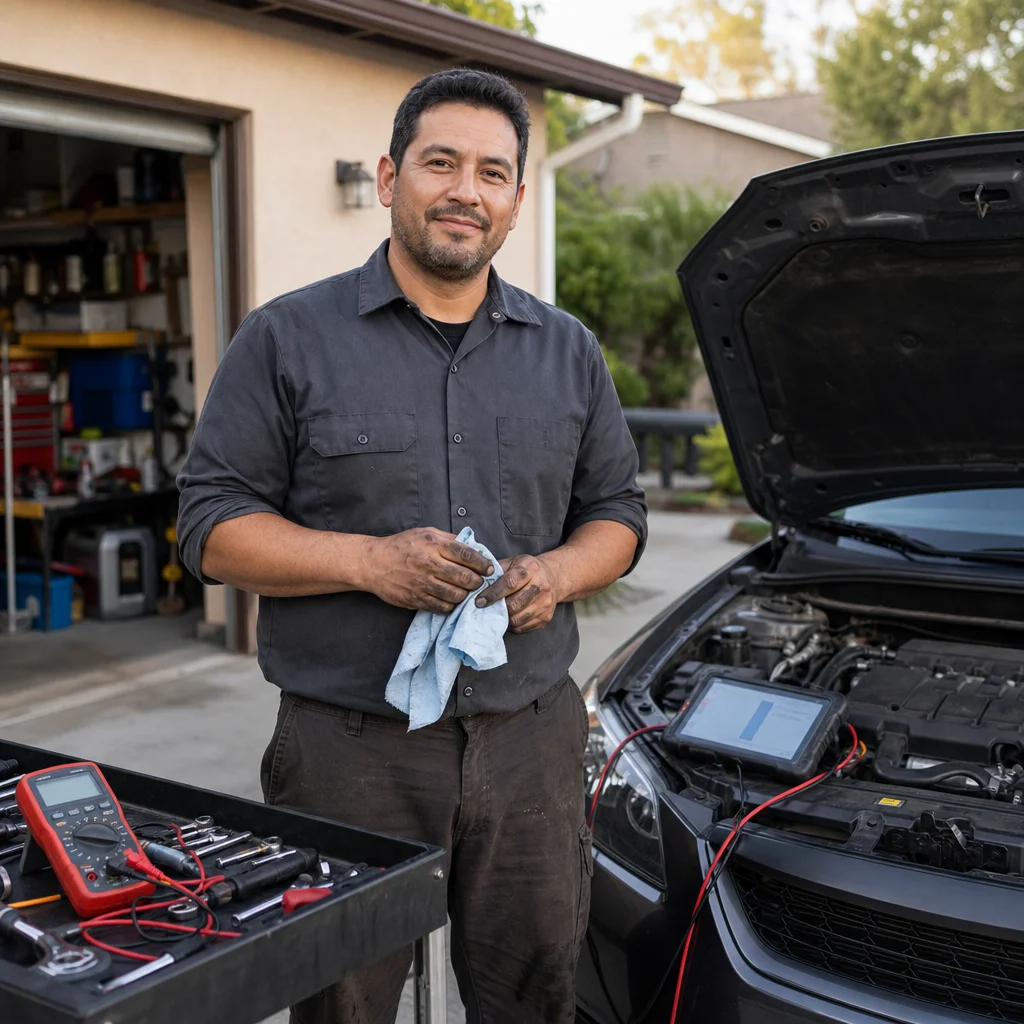
A trouble code tells you which system noticed a problem, but it rarely tells you exactly what failed. Freeze-frame data adds context by recording selected engine and vehicle conditions when a diagnostic trouble code (DTC) was set. That context can help you decide what to test before replacing parts or clearing the code.
The minimalist approach is simple: record the code and its freeze-frame information first, use those details to reproduce or evaluate the fault, and clear the code only after you have a reason to do so. You don’t need to understand every parameter on the scan-tool screen. You do need to preserve the few values that can show whether the fault appeared during a cold start, heavy load, high engine speed, or another specific condition.
What freeze-frame data actually shows
Freeze-frame data is a stored snapshot of selected parameters at or near the time a vehicle’s computer set a qualifying trouble code. It isn’t a recording of everything that happened, and it usually isn’t a complete history of the fault. Think of it as a single diagnostic photograph rather than a video.
Depending on the vehicle and scan tool, the frame may include engine speed, vehicle speed, engine coolant temperature, calculated load, intake manifold pressure, fuel-system status, short- and long-term fuel trims, intake air temperature, throttle position, and the voltage or pressure values supported by that vehicle. A basic generic scanner may show only a limited selection. A manufacturer-level tool may provide additional data or freeze-frame records from other control modules.
The frame is normally associated with a stored emissions-related powertrain code, but the exact behavior varies by vehicle. Some faults have no freeze-frame data, some codes share a frame, and some scan tools display the frame in a confusing way. If the screen shows values that seem impossible—such as a coolant temperature that doesn’t fit the actual engine condition—treat that as a clue to investigate, not as proof that the sensor is defective.
A frame also doesn’t establish which component caused the problem. For example, a lean-condition code recorded at high engine load could involve an air leak, inadequate fuel delivery, an inaccurate airflow signal, an exhaust leak near an oxygen sensor, or another issue. The frame helps narrow the conditions for testing; it doesn’t replace testing.
Why clearing the code too early hurts diagnosis
Clearing a code removes the stored DTC and commonly erases its associated freeze-frame information. It can also reset emissions readiness monitors, which means the vehicle’s computers must complete their self-tests again before the system has a new record of normal operation. Disconnecting the battery can have similar effects on many vehicles, so it isn’t a harmless alternative to using a scan tool.
Once the frame is gone, you may not know whether the fault happened during a cold start, at highway speed, under acceleration, or while the engine was idling. That distinction matters. A problem that appears only under load calls for a different test strategy from one that appears immediately after a cold start.
Clearing the code can also make an intermittent problem harder to reproduce. The vehicle may run normally during your next drive, leaving you with no stored evidence and no clear idea of what condition to recreate. If the fault returns, you may receive a new freeze-frame record, but it could occur under different conditions from the original event.
There are legitimate reasons to clear a code. You might clear it after completing a repair to confirm whether the fault returns, after documenting a code that was caused by a known temporary event, or when following a deliberate diagnostic procedure. The important distinction is timing: clear it after you’ve captured the evidence and decided what the next test requires, not as the first response to seeing the warning light.
Save the evidence first: Before you select “clear codes,” save or photograph the full scan result, including the DTC status, freeze-frame values, odometer reading if available, and readiness-monitor status. That record gives you something to compare if the fault returns.
The small set of information worth recording
You don’t need to copy every line from a long scan-tool report, but you should preserve enough information to reconstruct the event. Start with the exact code, not just a description such as “oxygen sensor problem.” The difference between a circuit code, a slow-response code, a heater code, and a performance code can change the testing path.
Record whether the code is current, stored, pending, or permanent if your tool reports those statuses. A pending code may indicate that the computer has detected a condition but hasn't yet met all requirements to turn on the malfunction indicator lamp. It can still be useful, especially when paired with a stored code or a repeatable symptom.
For the freeze-frame itself, prioritize:
- Engine speed and vehicle speed
- Engine coolant and intake-air temperature
- Calculated load, throttle position, and manifold pressure or airflow
- Fuel-system status and fuel-trim values, when available
- Fuel pressure or commanded equivalence data, when supported
- Battery or system voltage, when relevant
- The distance, time, or trip information shown by the tool
Take a picture of the screen if the scanner can’t export a report. Include the units. A fuel-trim value without its percentage, a pressure value without its unit, or a temperature shown in an unfamiliar scale can easily lead to a bad conclusion.
Also note what you observed before scanning: whether the engine was cold or warm, whether the light was flashing or steady, whether the vehicle was running poorly, and whether any recent work or refueling occurred. Freeze-frame data is more useful when you can compare it with the real conditions around the event.
How to interpret the frame without overreading it
Begin with the operating state. Coolant temperature tells you whether the computer likely considered the engine cold, warming up, or at normal operating temperature. Engine speed and vehicle speed suggest whether the event occurred at idle, during a gear change, on a cruise, or under acceleration. Load and throttle position help distinguish a light-load complaint from one that appears when the engine is working hard.
Next, compare related values rather than judging one number by itself. If a fuel-mixture code appears with strongly positive fuel trims, the computer may have been adding fuel to compensate for a perceived lean condition. That still doesn’t identify the cause, but it can help you decide whether to inspect for unmetered air, verify fuel delivery, and check the accuracy of the relevant airflow or pressure signals.
A frame showing normal coolant temperature and closed-loop fuel control tells you the event occurred after the vehicle had warmed up enough for those strategies to operate. A frame showing a very cold engine may point you toward cold-start conditions, but it doesn’t prove that the fault occurs only then. The snapshot may have been captured during the transition from one operating state to another.
Be cautious with values that look abnormal without context. Some scan tools display calculated parameters differently, and some vehicles report a default or substitute value when a sensor signal is missing. Compare the frame with live data, service information, and a known-good operating pattern for the vehicle. A single freeze-frame number is a starting point for a test, not a parts order.
A lean workflow for using freeze-frame data
1. Scan before changing anything
If the vehicle is safe to operate and the warning light is steady, scan it before disconnecting the battery, clearing codes, or replacing a component. Read all available powertrain codes and check for pending codes. If the warning light is flashing, the engine is misfiring badly, or the vehicle has a serious drivability or safety problem, avoid continued driving and address that risk first.
2. Save the complete result
Use the scan tool’s report function if it has one. Otherwise, photograph the code list and freeze-frame screens, then write down the vehicle’s symptoms and operating condition. If several codes are present, record them together. One code may be a consequence of another fault, and deleting the group can remove the relationship you need to examine.
3. Choose tests that match the conditions
Use the frame to decide what to inspect first. A fault recorded during high load may justify checking fuel pressure under load, intake or exhaust restrictions, and ignition performance under demand. A fault captured at idle may make vacuum leaks, idle control, throttle operation, and sensor plausibility more relevant. A cold-start event may call for checks of coolant-temperature reporting, startup fueling, and air leaks that change as the engine warms.
Don’t try to recreate a dangerous condition just because the frame shows a high speed or high load. A road test may require another person to monitor the scan tool, and some tests are better performed with a technician or on a dynamometer. Static checks, data logging, and inspection can often provide safer evidence.
4. Clear only when it serves the next step
After you’ve saved the evidence and completed an appropriate repair or test, clearing the code can establish a clean starting point. Follow the scan tool’s procedure, then check whether the code returns and whether the related monitor runs. Remember that a monitor may need several normal driving conditions before it completes, and a vehicle can seem fixed before the computer has finished evaluating the system.
If the code returns immediately, the fault may be active or the repair may not address the cause. If it returns only after a particular drive condition, compare the new freeze-frame with the original record. The differences can reveal whether you corrected the original problem or merely changed when the symptom appears.
When a professional diagnosis makes more sense
Freeze-frame data is most valuable when you can connect it to a safe, repeatable test. It becomes less useful if the vehicle has multiple network codes, severe misfire symptoms, unstable electrical power, transmission problems, or a fault that requires manufacturer-specific scan functions. A generic reader may not access the module or data needed to proceed.
You should also be cautious when a repair involves fuel pressure, high-voltage hybrid or electric systems, airbags, braking hydraulics, or other hazards beyond ordinary driveway work. The code and frame can still help you explain the problem to a repair shop, but preserving evidence doesn’t require you to perform every diagnostic step yourself.
The most efficient habit is to treat freeze-frame data as evidence that expires when you clear it. Capture the exact codes, save the operating conditions, interpret related values together, and use the result to select a test. Once the problem has been documented and the repair path is clear, clearing the code becomes a controlled diagnostic step instead of an impulsive reset.