How to Check OBD-II Readiness Monitors Before a Smog Test
I’ll clarify what OBD-II readiness monitors actually tell you, why a recent code reset can cause an inspection failure, and how to check for an incomplete drive cycle before you arrive at a smog-testing station.
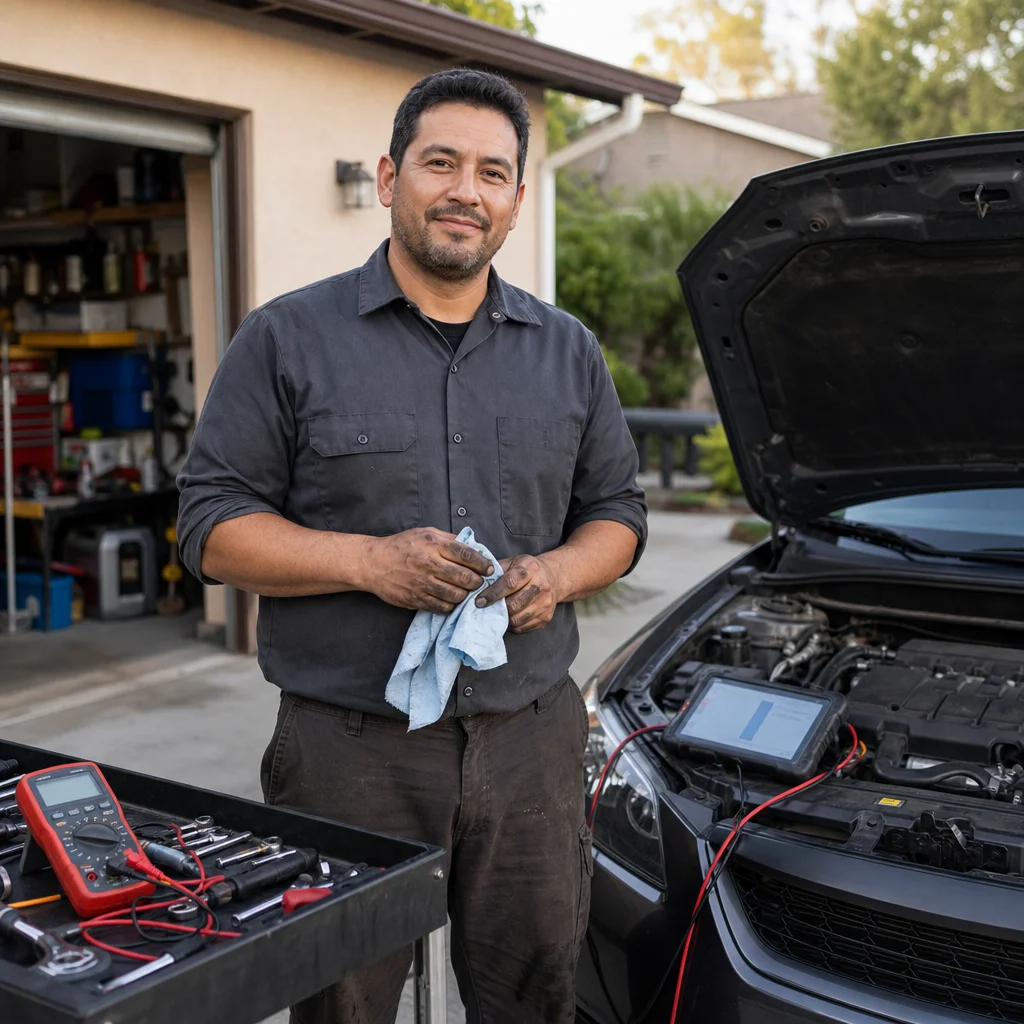
A vehicle can have no warning light and still fail an emissions inspection because one or more OBD-II readiness monitors are incomplete. The confusion usually starts after a battery replacement, code clearing, or recent repair: the problem may be fixed, but the vehicle’s self-tests haven't finished running.
Readiness monitors are the emissions system’s record of whether specific self-checks have completed. Checking them before a smog test can prevent a wasted appointment, but the result isn't a universal pass or fail. Inspection rules differ by state, model year, fuel type, and sometimes the number of incomplete monitors allowed.
What readiness monitors mean
Your vehicle’s onboard diagnostic system continuously watches systems that affect emissions. Some checks happen almost every time you drive. Others require particular conditions, such as a cold start, steady highway speed, deceleration, or a certain fuel level. A monitor changes to “ready” or “complete” after the computer has successfully performed its check.
Common monitors include the oxygen sensor, oxygen-sensor heater, catalytic converter, evaporative-emissions system, exhaust-gas recirculation, secondary air injection, fuel system, and comprehensive components. The exact list depends on the vehicle. Some cars also show a monitor for the diesel particulate filter or other diesel emissions equipment.
A monitor marked “not ready,” “incomplete,” or “not complete” doesn't automatically mean the related part has failed. It means the computer hasn't finished—or hasn't yet been able to finish—the required test. If the monitor runs and detects a problem, the vehicle may store a diagnostic trouble code and eventually turn on the malfunction indicator lamp, commonly called the check-engine light.
“Not supported” is different. It means that the vehicle doesn't use that particular monitor, so it shouldn't be treated as an incomplete test. Your scanner may also show monitor names that are abbreviated or grouped differently from the inspection paperwork.
Why clearing codes changes the result
When you clear diagnostic trouble codes, you also reset much of the emissions computer’s test history. Disconnecting the battery can have the same effect on many vehicles, although the exact behavior depends on the vehicle and its control modules. A scan tool’s erase function isn't a repair; it removes stored information and usually returns several readiness monitors to incomplete.
That is why clearing a check-engine light immediately before an inspection can create a new problem even when the original fault has been repaired. The vehicle needs to complete its self-tests again. It may need several separate trips, and the necessary conditions can be difficult to achieve in ordinary traffic.
A recently cleared system can also hide a recurring fault temporarily. If a monitor fails again, the computer may first record a pending code before turning on the warning light. A vehicle with all monitors ready is in a better position for testing, but readiness alone doesn't prove that the vehicle will pass.
How to check readiness with a scanner
You need a scan tool that can display I/M readiness, emissions readiness, or monitor status. Many basic OBD-II readers include this function, and most general-purpose diagnostic scanners do as well. The scanner needs to communicate with the vehicle; it doesn't need to be an expensive professional model just to read readiness information.
With the vehicle safely parked, locate the OBD-II connector, usually beneath the driver’s side of the dashboard. Plug in the scanner, switch the ignition to the position that powers the vehicle’s electronics, and follow the tool’s instructions to view emissions or I/M readiness. Some vehicles require the engine to remain off during this step, while others present the menu after the engine is started, so use the scanner’s instructions rather than guessing.
Record the results before changing anything. You’re looking for each monitor’s status, along with any stored or pending trouble codes and the check-engine light status. A typical display may use “ready,” “not ready,” and “not supported.” Take a photo of the screen if the scanner’s wording is unclear; that gives you a record to discuss with a repair shop or inspection station.
Don't clear codes just to make the display look cleaner. Clearing them resets readiness and removes useful diagnostic information. If the scanner reports a code, write it down first. A code beginning with the letter P relates to the powertrain, but the full code and the vehicle’s symptoms are needed to decide what to do next.
Confirm your inspection limits: Before scheduling the test, check your state or local emissions agency’s current rules for your vehicle’s model year and fuel type. Verify how many monitors may be incomplete, whether permanent codes are handled separately, and whether the testing station follows any additional inspection requirements.
What to do when a monitor is incomplete
First, consider what happened recently. A dead or disconnected battery, battery replacement, code clearing, emissions repair, or control-module programming may have reset the monitors. If none of those occurred, an incomplete monitor could reflect normal driving that hasn't included the conditions required for that test—or it could point to a fault preventing the test from completing.
Check for warning signs before attempting a drive cycle. A check-engine light, rough running, poor starting, unusual fuel odor, overheating, or a noticeable loss of power deserves diagnosis rather than repeated driving. Pending codes are also important because they can indicate that a fault has returned even if the warning light is still off.
If the vehicle appears to be operating normally, follow the manufacturer’s drive-cycle instructions when possible. These instructions are often available in a factory service manual or a reputable repair-information database. They specify details such as coolant temperature, starting temperature, speed range, time at steady speed, periods of deceleration, and fuel level. Those details matter because the computer is looking for particular operating conditions, not simply a certain number of miles.
A general drive may complete some monitors, but there is no single drive cycle that works for every vehicle. One car may need a cold start followed by city driving and steady cruising; another may require a long period of constant speed or a specific coast-down. Avoid treating online generic procedures as guaranteed instructions for your vehicle.
A sensible way to prepare
If you have time before the appointment, scan the vehicle several days in advance. This gives you a chance to identify incomplete monitors or codes without creating pressure on the day of the inspection. If the monitors are ready and no warning light is present, avoid unnecessary battery disconnection or code clearing before the test.
If one or more monitors are incomplete after a recent repair, drive normally while following the applicable manufacturer procedure. Use a suitable route where you can maintain the required speed legally and safely. It may take more than one trip because the vehicle must begin with the right conditions and may need to complete different tests at different times.
Don't attempt to force a drive cycle by speeding, driving aggressively, or ignoring traffic. Some procedures involve extended highway driving, so plan around traffic, weather, road conditions, and your own comfort. A monitor isn't worth creating a collision risk or operating a vehicle that has a serious mechanical problem.
After the drive cycle, scan the vehicle again without clearing anything. If the monitor is ready, check for stored or pending codes as well. If it remains incomplete, repeat only the relevant manufacturer procedure if the vehicle is otherwise operating normally. Repeatedly clearing codes will send you backward by resetting the same progress you are trying to build.
When incomplete monitors point to a deeper problem
A monitor that never completes may be unable to run because another condition is present. For example, a thermostat problem can keep the engine from reaching the expected temperature, while an intake leak, faulty sensor, wiring problem, or evaporative-emissions leak can interfere with related checks. A monitor can also remain incomplete when a repair addressed the symptom but not the underlying cause.
If a warning light returns, a code becomes current, or the vehicle runs poorly, stop treating the issue as an inspection-preparation problem. Have the code diagnosed. Replacing a sensor based only on a monitor name can waste money because the monitor describes a test, not necessarily the part that failed.
A repair shop can often check manufacturer-specific readiness conditions and identify why a monitor won't run. This is especially useful when the inspection deadline is close, the vehicle has multiple incomplete monitors, or a previous repair involved the emissions computer. Ask for the scan results and the reason for the incomplete status rather than only asking someone to clear the light.
Readiness is preparation, not a guaranteed pass
Before you go to the station, confirm that the check-engine light is off, no relevant pending or stored codes are present, and the required monitors show ready. Make sure the vehicle has enough fuel for normal operation and that any recent repair has been followed by the required drive time. Those are sensible preparation steps, but the official result still depends on the applicable inspection program.
The most useful habit is to scan early, save the results, and leave enough time for diagnosis or a proper drive cycle. If the vehicle has just had its codes cleared, assume that readiness may be reset until you verify otherwise. When the monitor status remains incomplete or the warning light returns, professional diagnosis is usually more efficient—and more reliable—than guessing with parts or repeated resets.